Ourtus Technology
Products

MarkPic · Smart Watermark Screenshot Tool

A free all-in-one tool for professional screenshots, pinning, annotation and smart watermarking.

Versatile Screenshots

Simple Screenshots, Instant Annotation

MarkPic offers lightweight screenshots for full screen, windows, regions and scrolling pages. Rich annotation tools including arrows, shapes, text, highlights and mosaics make feedback clear.
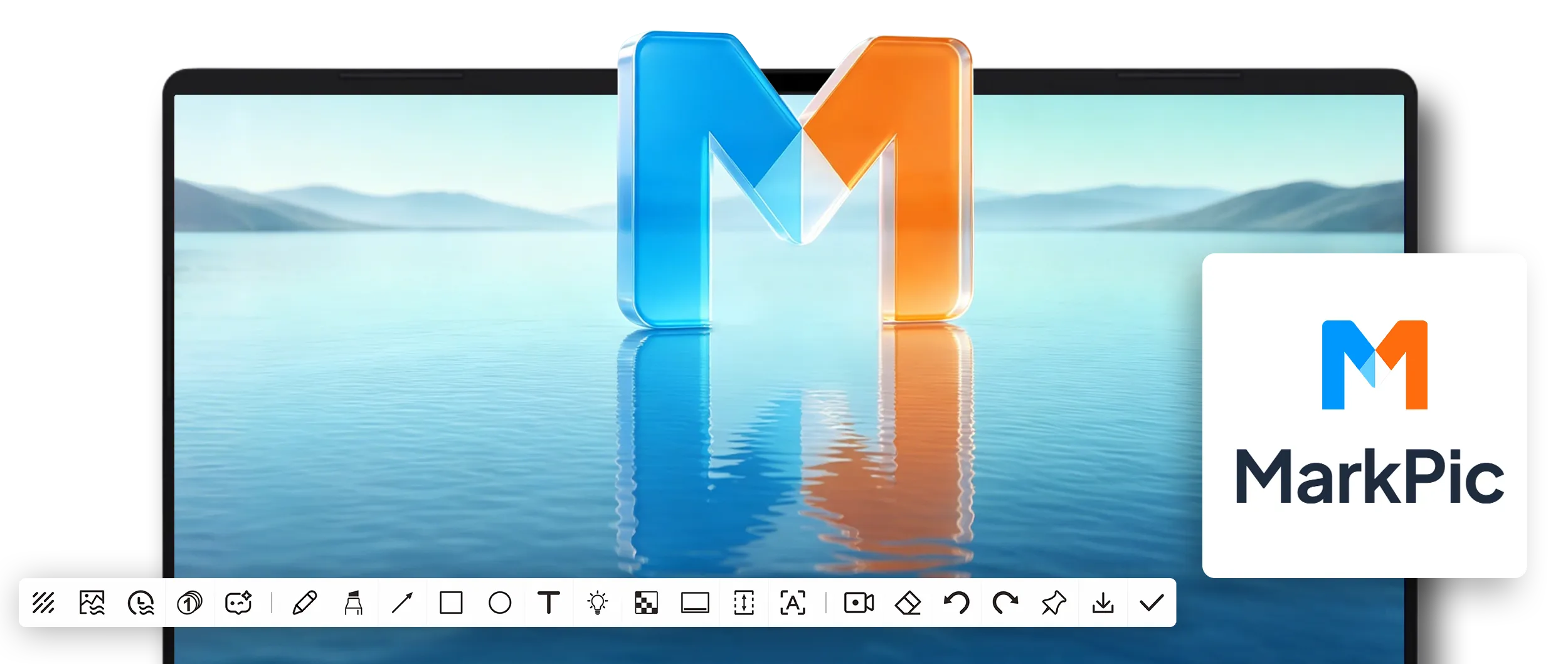
  • One-click screenshots in multiple modes
  • More than 10 built-in annotation tools
  • Pin images to stay on your desktop
MarkPic 截图功能
Smart Watermarking

Batch Watermarks, Fully Automated

Whether for one image or an entire folder, MarkPic automatically applies your preset watermark. Text, image and tiled watermark styles protect your original work.
  • Batch processing that saves time
  • Freely combine text and image watermarks
  • Adjust position, opacity and rotation
MarkPic Smart Watermarking
Creative Tools

Drawing / Whiteboard / Presentation, Live Annotation

During screen presentations, online teaching or remote meetings, MarkPic's drawing and whiteboard tools let you annotate freely and keep audiences focused.

  • Live screen annotation
  • Pens, highlighters and shape tools
  • Great for presentations, teaching and demos
MarkPic 涂鸦功能
Language Learning Essential

Subtitle Cover, Immersive Listening Practice

The original subtitle cover helps language learners hide subtitles while watching films and series for immersive listening practice, without awkward paper or book covers.

  • Cover subtitle areas with one click
  • Freely adjust cover position and size
  • Ideal for language learners and film fans
MarkPic Subtitle Cover

MarkPic 2.0 Watermark Screenshot Tool

A powerful watermark screenshot tool, free to download and use.

Use for Free