After months of refinement, MarkPic 2.0 is here with a refreshed interface, more powerful smart watermarking and many experience improvements.
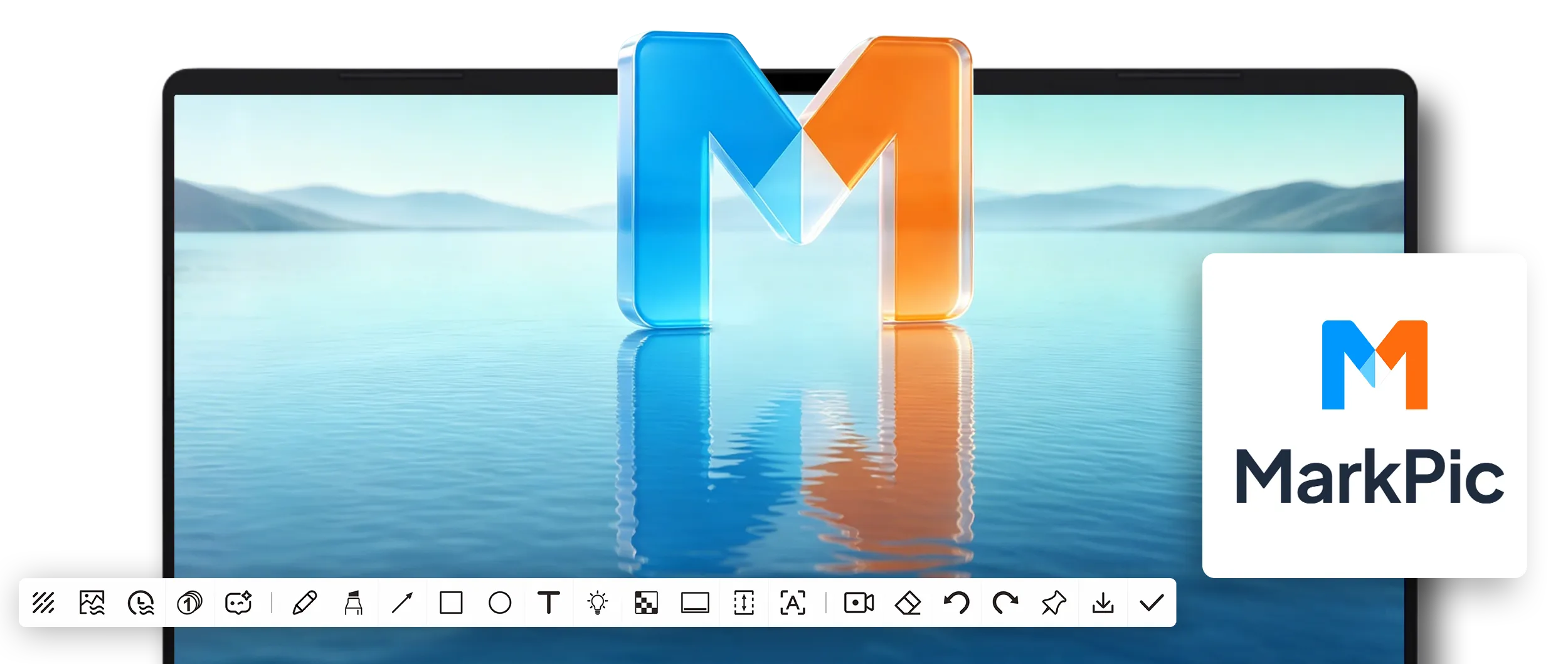
Ourtus Technology flagship product MarkPic officially launches today version 2.0。This is the largest MarkPic upgrade since launch, comprehensively improving interface design, functionality and user experience.
MarkPic 2.0 uses a cleaner, more modern visual language. The toolbar is redesigned for one-click access, colors are tuned for long sessions, and dark mode is available.
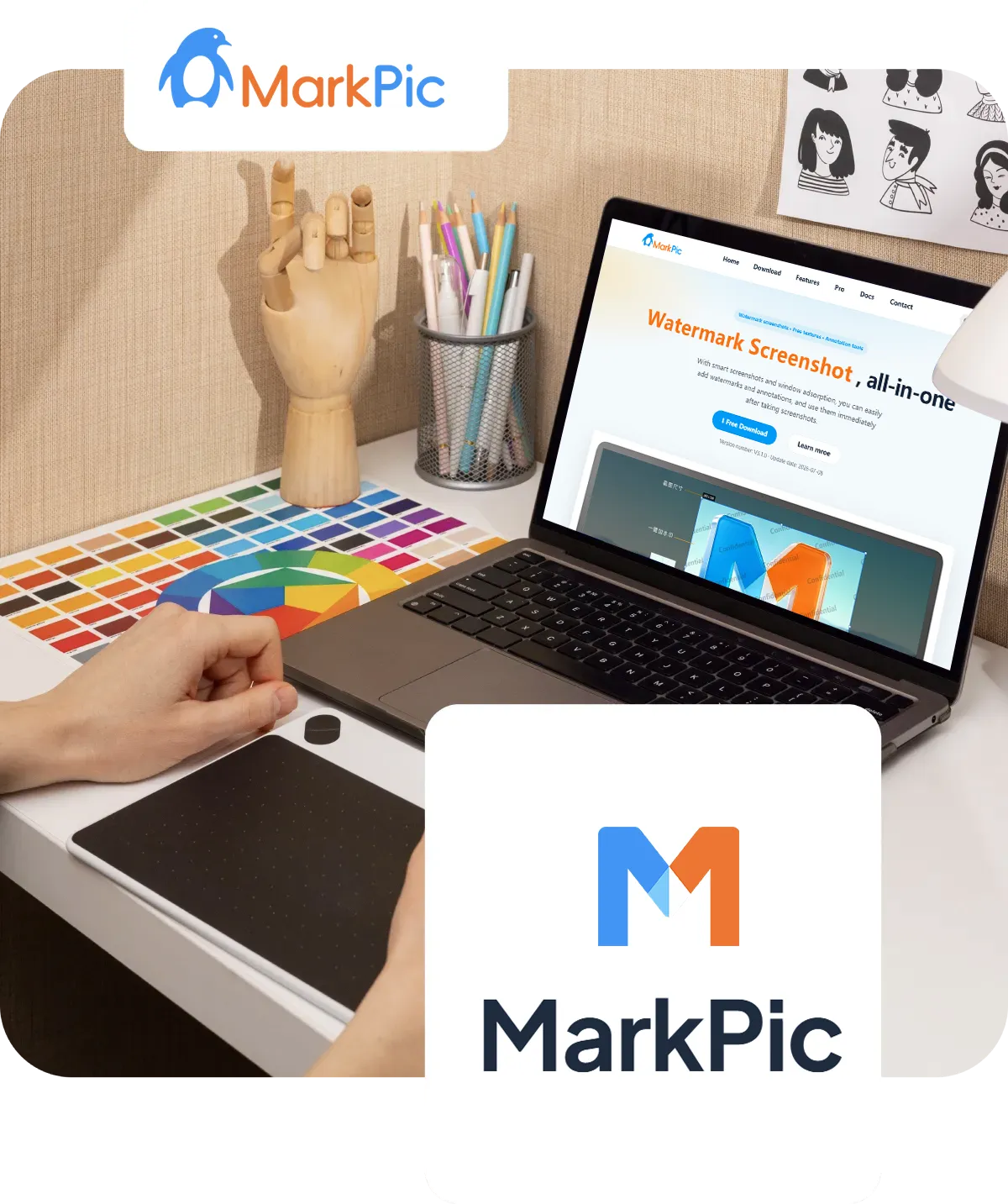

The watermark engine is comprehensively upgraded. In addition to text, image and tiled watermark styles, it adds smart placement: it recognizes the main image area and places watermarks where they are unobtrusive and difficult to crop.
“MarkPic 2.0 是我们对用户需求深度洞察后的诚意之作。我们希望通过更智能的工具,让创意工作者从重复劳动中解放出来,专注于真正有价值的事情。”
— Ourtus Technology产品团队
Beyond the core updates, MarkPic 2.0 adds many refinements: enter annotation mode after a screenshot, adjust pinned image opacity and access screen recording quickly. Every change makes the experience smoother.

MarkPic 2.0 现已全面开放 免费下载。无论您是设计师、产品经理、教师还是学生,MarkPic 都能成为您日常工作中得力的效率工具。
Try the new MarkPic now for a smarter way to capture and watermark.
A powerful watermark screenshot tool, free to download and use.

